At a Glance
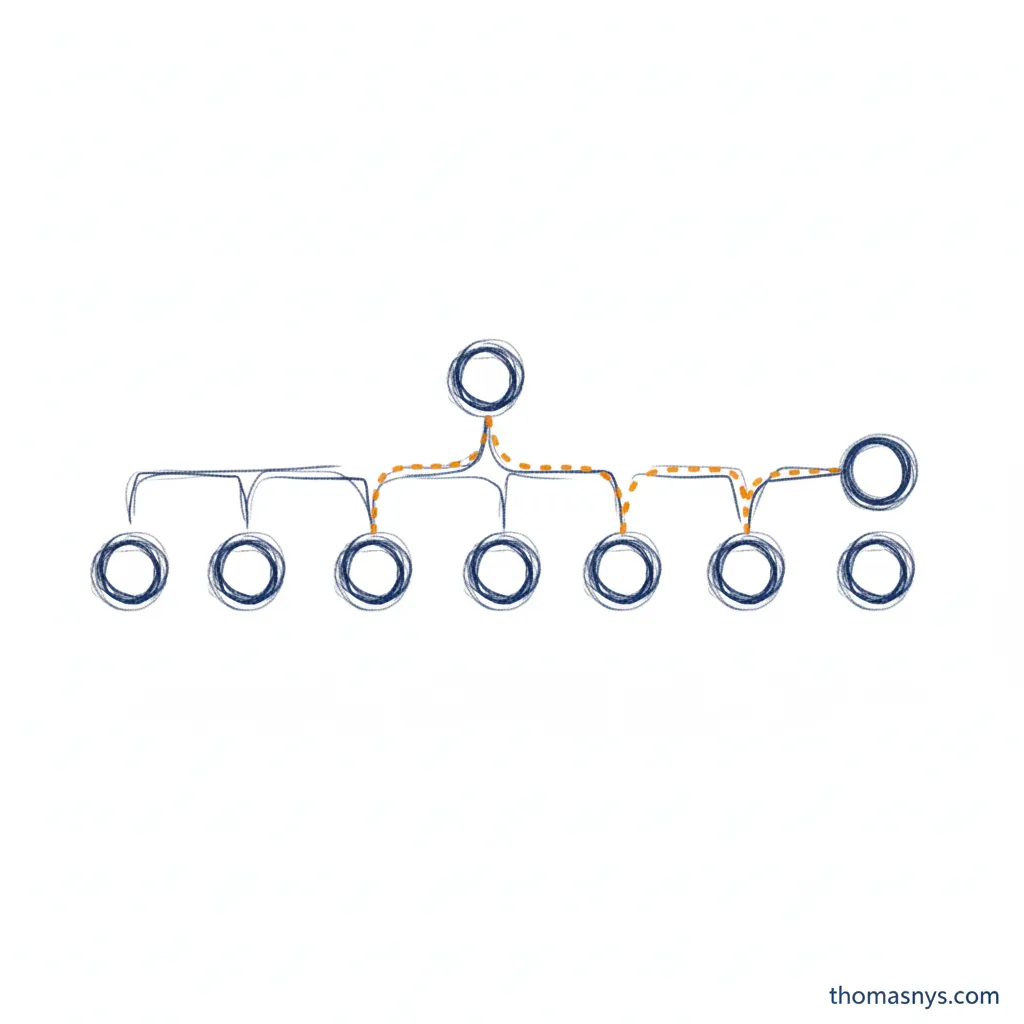
Data lineage is the complete history of a data element - where it came from, every transformation it went through, and everywhere it ended up. It’s the audit trail that answers “where did this number come from?”
When an executive asks why two reports show different revenue figures, lineage tells you. When a regulator asks how you calculated a compliance metric, lineage proves it. When a pipeline breaks, lineage shows you what downstream systems are affected.
Without lineage, you’re debugging in the dark. With it, you have a map of your entire data flow.
Why Data Lineage Matters
Trust
Nobody trusts numbers they can’t verify. When stakeholders question a metric, you need to trace it back to source systems and show every calculation along the way. Lineage provides that proof.
Compliance
Regulations like GDPR, CCPA, and SOX require you to know where personal or financial data flows. “We don’t know” isn’t an acceptable answer to auditors. Lineage documentation is often a compliance requirement, not a nice-to-have.
Impact Analysis
Before changing a pipeline or data model, you need to know what depends on it. Lineage shows you every downstream consumer - dashboards, reports, ML models, other pipelines - so you can assess impact before making changes.
Debugging
When data looks wrong, lineage is how you find the problem. Instead of guessing which transformation introduced the error, you trace the data path and isolate the issue.
Data Quality
Lineage connects quality issues to their source. When you find bad data in a report, lineage tells you whether the problem originated in extraction, transformation, or somewhere else entirely.
Types of Data Lineage
Technical Lineage
The physical path data takes:
- Source tables and columns
- ETL/ELT transformations
- Intermediate staging tables
- Target tables and views
- BI tool connections
Technical lineage is typically automated - tools parse code and metadata to map the flow.
Business Lineage
The business meaning of data transformations:
- What business rules are applied
- How metrics are calculated
- What each transformation represents in business terms
- Who owns each step
Business lineage requires human input - it’s the context that makes technical lineage meaningful.
Operational Lineage
The runtime behavior of data:
- When data was processed
- How long each step took
- What volume flowed through
- Whether quality checks passed
Operational lineage is about execution history, not just the theoretical path.

Three types of data lineage
Lineage Levels
Column-Level Lineage
The most granular. Tracks individual columns through every transformation:
source.customers.email
  → staging.stg_customers.email_address
  → marts.dim_customer.contact_email
Column-level lineage answers: “What source data contributes to this specific field?”
Table-Level Lineage
Tracks relationships between tables:
raw.orders + raw.customers
  → staging.stg_order_details
  → marts.fact_orders
Table-level is easier to implement but less precise for debugging.
Pipeline-Level Lineage
Tracks dependencies between data pipelines:
ingestion_pipeline
  → transformation_pipeline
  → ml_feature_pipeline
Useful for orchestration and impact analysis across workflows.
How to Implement Data Lineage
Automated Extraction
Most modern data tools support lineage extraction:
dbt - Built-in lineage through model references. The ref() function creates explicit dependencies that dbt tracks automatically.
Airflow - Task dependencies show pipeline lineage. Tools like OpenLineage add column-level detail.
Spark - Query plans contain lineage information. Tools can parse these to extract data flow.
SQL parsers - Tools like sqllineage or custom parsers can extract lineage from SQL code.
Metadata Catalogs
Data catalogs centralize lineage information:
- Atlan - Automated lineage with business context
- Alation - Enterprise catalog with lineage visualization
- DataHub - Open-source metadata platform with lineage
- OpenMetadata - Open-source alternative with active development
These tools aggregate lineage from multiple sources into a unified view.
Manual Documentation
For transformations that can’t be parsed automatically:
- Spreadsheet-based data processing
- Custom code without clear data flow
- Business logic applied outside the data platform
Manual documentation is tedious but sometimes necessary. Treat it as technical debt to automate later.
Lineage in Practice
The dbt Approach
dbt makes lineage a natural byproduct of development:
-- models/marts/fact_orders.sql
SELECT
    orders.order_id,
    orders.order_date,
    customers.customer_name,
    SUM(items.amount) as total_amount
FROM {{ ref('stg_orders') }} orders
JOIN {{ ref('stg_customers') }} customers
    ON orders.customer_id = customers.customer_id
JOIN {{ ref('stg_order_items') }} items
    ON orders.order_id = items.order_id
GROUP BY 1, 2, 3
The ref() calls create the lineage graph automatically. dbt generates documentation and DAG visualizations from these references.
Query-Based Lineage
For pipelines that aren’t in dbt, parse SQL to extract lineage:
# Simplified example
from sqllineage.runner import LineageRunner

sql = """
INSERT INTO target_table
SELECT a.col1, b.col2
FROM source_a a
JOIN source_b b ON a.id = b.id
"""

result = LineageRunner(sql)
print(result.source_tables())  # {'source_a', 'source_b'}
print(result.target_tables())  # {'target_table'}
OpenLineage Standard
OpenLineage provides a standard format for lineage events:
{
  "eventType": "COMPLETE",
  "eventTime": "2024-01-15T10:30:00Z",
  "run": {"runId": "abc-123"},
  "job": {"namespace": "production", "name": "customer_transform"},
  "inputs": [{"namespace": "warehouse", "name": "raw.customers"}],
  "outputs": [{"namespace": "warehouse", "name": "marts.dim_customer"}]
}
Tools that emit OpenLineage events can feed into any compatible catalog.
Data Lineage Diagrams
Data lineage diagrams visualize how data flows from source to destination. They’re the most practical output of lineage tracking - a map that anyone can follow.
What a Good Lineage Diagram Shows
- Source systems - Where data originates (databases, APIs, files)
- Transformations - What happens to data at each step
- Destinations - Where data ends up (dashboards, reports, ML models)
- Ownership - Who’s responsible for each node
Types of Data Lineage Diagrams
DAG (Directed Acyclic Graph) - The most common format. Tools like dbt generate these automatically, showing model dependencies as a tree flowing left to right.
Column-level lineage diagrams - Show how individual fields map across transformations. More detailed but harder to maintain manually.
Business lineage diagrams - Simplified views for non-technical stakeholders, showing business concepts rather than tables and columns.
Generating Lineage Diagrams
Most modern data tools generate data lineage diagrams automatically:
- dbt -
dbt docs generatecreates an interactive DAG - Data catalogs (Atlan, DataHub) - Auto-discover and visualize lineage across tools
- OpenLineage - Standard format that feeds lineage events into visualization tools
Manual diagramming (Lucidchart, Miro) works for initial documentation but doesn’t scale. Automated lineage diagrams that update with your code are the goal.
Common Challenges
Incomplete Coverage
Lineage is only useful if it’s complete. Gaps in coverage - transformations that aren’t tracked - break the chain and undermine trust.
Solution: Start with critical paths. Ensure lineage for your most important metrics and compliance-sensitive data before trying to cover everything.
Staleness
Lineage documentation that doesn’t update with code changes becomes misleading.
Solution: Automate lineage extraction as part of your CI/CD pipeline. Make lineage a byproduct of development, not a separate maintenance task.
Context Without Meaning
Technical lineage without business context is hard to use. Knowing that col_a maps to col_b doesn’t help if you don’t know what either represents.
Solution: Layer business metadata on top of technical lineage. Use data catalogs that support both.
Performance Impact
Real-time lineage tracking can slow down data processing.
Solution: Capture lineage asynchronously. Most use cases don’t need sub-second lineage updates.
Lineage and Governance
Data lineage is a core component of data governance. It enables:
- Data ownership - Trace data back to responsible teams
- Quality accountability - Know who to contact when data is wrong
- Privacy compliance - Track where personal data flows
- Audit trails - Prove how calculations were performed
You can’t govern what you can’t see. Lineage provides the visibility governance requires.
Getting Started
1. Start With dbt
If you’re not using dbt for transformations, consider adopting it. Lineage comes free with the development workflow.
2. Identify Critical Paths
Map lineage for your 5-10 most important metrics first. Executive dashboards, compliance reports, and revenue calculations are good starting points.
3. Choose a Catalog
Pick a metadata catalog that fits your scale and budget. Open-source options like DataHub or OpenMetadata work for many teams.
4. Automate Extraction
Integrate lineage capture into your pipelines. Manual documentation doesn’t scale.
5. Add Business Context
Technical lineage alone isn’t enough. Add descriptions, owners, and business definitions to make lineage useful beyond engineering.
Frequently Asked Questions
What is data lineage?
Why is data lineage important?
What is the difference between technical and business lineage?
How do I implement data lineage?
What tools support data lineage?
How do you create data lineage diagrams?
Related Reading
- What Is Data Governance? - The framework lineage supports
- What Is Data Quality? - Connecting quality issues to their source
- What Is Data Integration? - Where lineage tracking begins
- What Is a Data Platform? - The system lineage maps
- What Is Data Architecture? - Designing for lineage visibility
- The Data Contract Pattern - Agreements that complement lineage
- Every Data Flow Tells a Story - How lineage reveals team dynamics
- When Your Customer Data Lives in 47 Places - Tracing data across fragmented systems
Last updated: 10 April 2026