The Core Concept
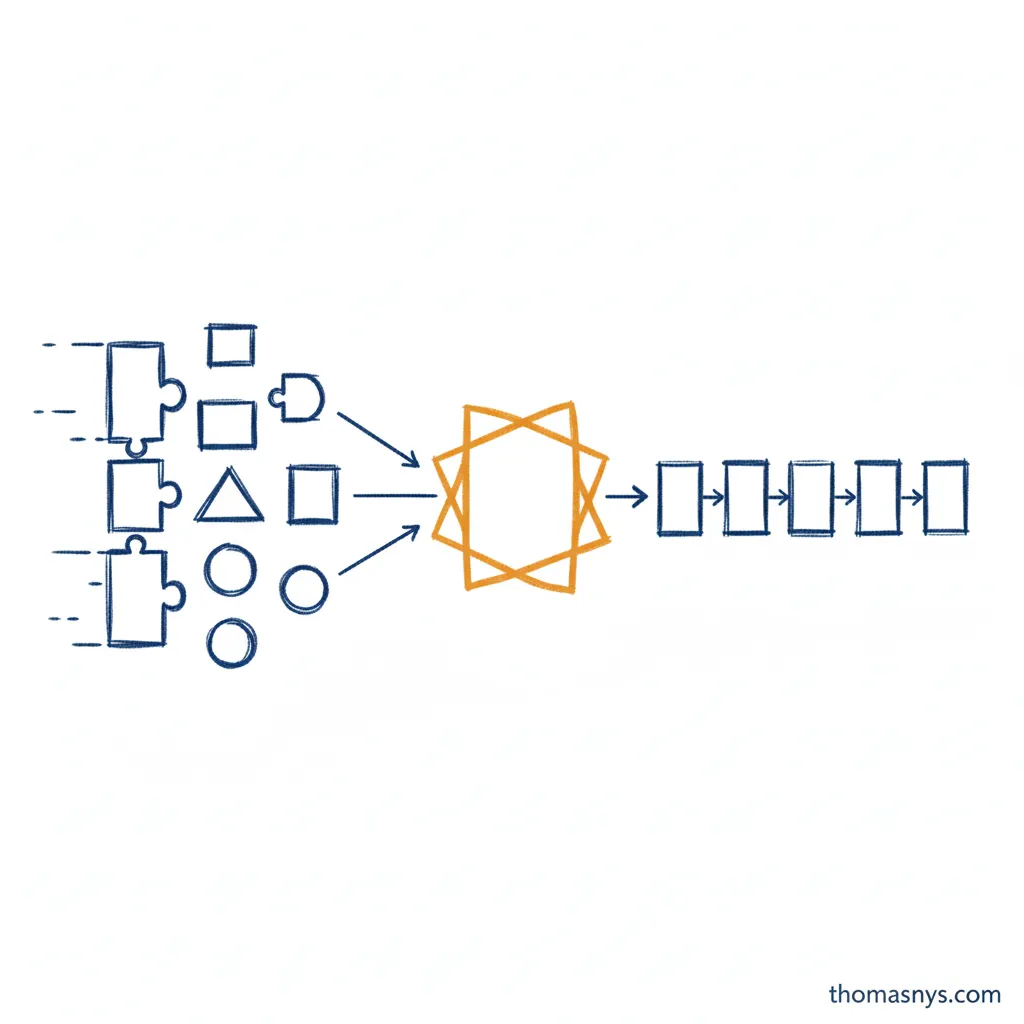
Data integration is the process of combining data from different sources into a unified, consistent view. It’s how you turn disconnected systems into a coherent picture of your business.
If your CRM, billing system, and product database each have their own version of “customer,” data integration is what connects them. Without it, every team works with a partial view, reports contradict each other, and simple questions require manual data gathering.
Data integration isn’t optional anymore. It’s the foundation that makes analytics, reporting, and data-driven decisions possible.
Why Data Integration Matters
The Problem It Solves
Most companies have data scattered across:
- Operational databases - PostgreSQL, MySQL, SQL Server
- SaaS applications - Salesforce, HubSpot, Stripe, Zendesk
- Files and spreadsheets - Excel exports, CSVs, Google Sheets
- APIs and events - Webhooks, message queues, logs
- Third-party data - Market data, enrichment services
Each system serves its purpose but knows nothing about the others. A customer in Salesforce has a different ID than the same customer in Stripe. Product names don’t match between inventory and e-commerce. Marketing attribution data lives in five different tools.
Data integration bridges these gaps.
What Changes With Good Integration
- Single source of truth - One definition of customer, product, revenue
- Self-service analytics - Analysts query unified data instead of gathering from systems
- Faster decisions - Questions answered in hours, not weeks
- Trusted numbers - Executives see consistent metrics across reports
- Automation - Systems can share data without manual intervention
Data Integration Techniques
Data integration techniques are the specific approaches you use to move and combine data. Each technique has trade-offs around latency, complexity, and cost.
Batch Integration
The most common technique. Data moves at scheduled intervals - hourly, daily, or weekly.
How it works:
- Extract full datasets or incremental changes on a schedule
- Load into staging, transform, then move to final tables
- Transformations run after data lands
Best for:
- Analytics and reporting (most use cases)
- Non-time-sensitive operational data
- Cost-sensitive high-volume scenarios
Example: Extract yesterday’s sales from the POS system every morning at 6 AM, transform to match warehouse schema, load into the analytics warehouse.
Real-Time (Streaming) Integration
Data flows continuously as events occur.
How it works:
- Source systems emit events to a message queue (Kafka, Kinesis)
- Stream processing reads, transforms, and routes events
- Consumers receive data within seconds or milliseconds
Best for:
- Fraud detection and alerting
- Real-time dashboards with sub-minute latency requirements
- Event-driven microservices
Trade-off: Real-time is 5-10x more complex and expensive than batch. Most companies don’t need it - before choosing streaming, ask: “What decision changes if data is 1 hour old vs 1 minute old?”
Micro-Batch Integration
A middle ground between batch and streaming.
How it works:
- Run batch processes on very short intervals (every 5-15 minutes)
- Simpler than true streaming
- “Near real-time” without streaming complexity
Best for:
- Dashboards that need frequent updates but not sub-second
- When stakeholders say “real-time” but mean “not stale”
Virtualization
Query data in place without moving it.
How it works:
- A virtualization layer sits between consumers and sources
- Queries are translated and routed to source systems
- Data doesn’t move - only queries and results
Best for:
- Exploration and discovery
- When data can’t leave source systems (security/compliance)
- Low-volume, ad-hoc queries
Trade-off: Performance depends on source systems. Not suitable for heavy analytical workloads or complex joins across sources.
Data Integration Methods
Methods describe how you extract and move data. Choose based on your sources, latency needs, and scale.
ETL (Extract, Transform, Load)
The traditional approach:
- Extract data from source systems
- Transform it to match the target structure
- Load into the destination (usually a data warehouse)
When to use: When you need to reshape data significantly before loading, or when transformation logic is complex.
Drawbacks: Transformation happens before loading, making it harder to debug and iterate.
ELT (Extract, Load, Transform)
The modern approach:
- Extract data from source systems
- Load raw data into the warehouse
- Transform inside the warehouse
When to use: Most modern analytics use cases. Cloud warehouses make in-warehouse transformation cheap and fast.
Benefits: Raw data is preserved, transformations are versioned and testable, iteration is faster.
Change Data Capture (CDC)
Tracks changes in source databases and replicates them:
- Captures inserts, updates, deletes as they happen
- Near real-time data synchronization
- Lower load on source systems than full extraction
When to use: When you need near-real-time data, or when source databases are large and full extraction is slow.
Tools: Debezium, Fivetran CDC, AWS DMS, Airbyte CDC
API Integration
Pulls data from web APIs:
- REST APIs, GraphQL, webhooks
- Common for SaaS applications
- Often rate-limited and paginated
When to use: When integrating with SaaS tools that don’t expose database access.
Challenges: Rate limits, API changes, authentication management, pagination handling.
Streaming Integration
Processes data continuously as it arrives:
- Event-driven architectures
- Real-time dashboards and alerting
- Sub-second latency requirements
When to use: When business requirements genuinely need real-time data. Most companies don’t - batch is simpler and cheaper.
Tools: Kafka, Kinesis, Pub/Sub, Flink
Types of Data Integration Approaches
Understanding the different types of data integration approaches helps you choose the right one for each use case.
Application Integration
Connects applications so they can share data and functionality.
Examples:
- CRM updates trigger marketing automation
- E-commerce order creates shipping label
- HR system provisions user accounts
Approach: APIs, webhooks, iPaaS tools (Zapier, Workato, Tray.io)
Data Consolidation
Combines data from multiple sources into a single repository.
Examples:
- Sales data from multiple regions into one warehouse
- Customer data from CRM, support, and billing into unified view
- Financial data from subsidiaries into consolidated reporting
Approach: ETL/ELT pipelines, data warehousing
Data Propagation
Distributes data from one source to multiple destinations.
Examples:
- Master product catalog pushed to all sales channels
- Price updates propagated to all storefronts
- Customer segments distributed to marketing tools
Approach: CDC, message queues, reverse ETL
Data Federation
Creates a virtual view across multiple sources without moving data.
Examples:
- Query across on-premise and cloud databases
- Unified view for compliance without data duplication
- Ad-hoc exploration across systems
Approach: Data virtualization, federated query engines
Data Synchronization
Keeps data consistent across multiple systems.
Examples:
- Inventory levels synced between warehouse and e-commerce
- Contact updates reflected in both CRM and support tools
- Bi-directional sync between operational and analytical systems
Approach: CDC, bi-directional replication, sync platforms
Data Model Integration
Reconciles different data models and schemas from multiple sources into a unified structure.
Examples:
- Mapping customer fields from CRM, ERP, and support systems into one dimensional model
- Standardizing product hierarchies across different regional systems
- Aligning different chart of accounts from acquired companies
Approach: Schema mapping, data transformation, canonical data models, master data management
Data model integration is often the hardest part of data integration - not moving the data, but making different representations of the same concepts work together. When one system calls it “customer_id” and another calls it “account_number,” you need data model integration to unify them.

Common data integration patterns
Data Integration Patterns
Data Warehouse Pattern
Centralize everything in one warehouse:
Sources → Ingestion → Warehouse → Transformation → Consumption
- All data lands in Snowflake, BigQuery, or similar
- Transformations happen in SQL (often dbt)
- Single query engine for all analytics
Best for: Analytics-focused organizations, modern data stack adopters.
Data Lake Pattern
Store raw data in object storage, process on demand:
Sources → Object Storage → Processing Engine → Consumption
- Data lands in S3, GCS, or Azure Blob
- Spark, Presto, or similar engines process data
- More flexibility for unstructured data
Best for: Data science workloads, large unstructured datasets, cost-sensitive high-volume scenarios.
Hub and Spoke Pattern
Central integration layer connecting sources to multiple destinations:
           ┌─→ Warehouse
Sources → Hub ─→ Operational DB
           └─→ ML Platform
- One integration platform routes to multiple consumers
- Decouples sources from destinations
- Easier to add new destinations
Best for: Organizations with diverse consumption patterns.
Point-to-Point Pattern
Direct connections between systems:
Source A ─→ Destination A
Source B ─→ Destination B
- Simple for single integrations
- Becomes unmaintainable at scale
- Often how integration starts, rarely how it should stay
Best for: Quick wins, proof of concepts. Migrate to centralized patterns as you scale.
Integration Challenges
Schema Evolution
Sources change without warning:
- New columns appear
- Column types change
- Fields get renamed or removed
Solution: Schema drift detection, alerting, and handling strategies. Tools like Fivetran handle this automatically; custom integrations need explicit handling.
Data Quality
Integration surfaces data quality problems:
- Null values where data should exist
- Duplicates from multiple systems
- Inconsistent formats (dates, currencies, identifiers)
Solution: Quality checks at ingestion, monitoring, and clear ownership of source data quality.
Identity Resolution
The same entity has different identifiers across systems:
- Customer email in CRM, customer ID in billing, anonymous ID in analytics
- Product SKU vs. product name vs. internal ID
Solution: Master data management, matching algorithms, or maintaining mapping tables.
Historical Data
Integration often starts with “current state” but analytics needs history:
- What was the customer status last month?
- When did this product price change?
Solution: Slowly changing dimensions (SCD), snapshot tables, or event sourcing patterns.
Performance and Cost
Integration at scale is expensive:
- API rate limits slow extraction
- Full table scans stress source databases
- Storage costs grow with data volume
Solution: Incremental extraction, CDC instead of full loads, tiered storage, archival policies.
Build vs Buy
Buy (Managed Tools)
Tools: Fivetran, Airbyte, Stitch, Hevo
Pros:
- Fast to implement (days, not months)
- Handles schema changes, retries, monitoring
- Connectors maintained by vendor
- Predictable pricing
Cons:
- Less control over extraction logic
- Can get expensive at high volume
- Some sources not supported
When to choose: Standard SaaS sources, need to move fast, don’t have dedicated integration engineers.
Build (Custom Pipelines)
Tools: Airflow + custom code, Dagster, Prefect, Meltano
Pros:
- Full control over logic
- Can optimize for specific needs
- No per-row or per-connector fees
Cons:
- Significant engineering investment
- Maintenance burden for API changes
- Need to build monitoring, alerting, retry logic
When to choose: Custom sources, complex transformation requirements, high volume where managed tool costs don’t make sense.
Hybrid Approach
Most mature organizations use both:
- Managed tools for standard SaaS connectors
- Custom pipelines for proprietary databases or complex logic
Integration and Data Architecture
Data integration is a component of your broader data architecture. It’s the “how data moves” part of the blueprint.
Good integration supports:
- Data governance - Tracking where data comes from and how it transforms
- Data platform - Feeding the unified system teams consume
- Data quality - Catching issues at ingestion, not in reports
Poor integration undermines everything downstream. If the foundation is shaky, nothing built on top will be reliable.
The Data Integration Process
1. Inventory Your Sources
List every system that has data you need:
- What data does it contain?
- How do you access it? (database, API, export)
- How often does it change?
- Who owns it?
2. Define Your Destination
Where will integrated data live?
- Cloud warehouse (Snowflake, BigQuery) for most analytics use cases
- Data lake for unstructured or high-volume scenarios
- Operational database for real-time application needs
3. Start With High-Value Sources
Don’t integrate everything at once. Pick 3-5 sources that:
- Drive the most business decisions
- Are requested most often
- Have the clearest ownership
4. Choose Your Tools
For most companies starting out:
- Managed ingestion (Fivetran, Airbyte) for SaaS sources
- dbt for transformation
- Cloud warehouse (Snowflake, BigQuery) for storage
5. Build Quality In
From day one:
- Monitor freshness (did data arrive on time?)
- Check row counts (did we get what we expected?)
- Validate schemas (did structure change?)
Frequently Asked Questions
What is data integration?
What are the main data integration techniques?
What is the difference between ETL and ELT?
What are the types of data integration approaches?
What is change data capture (CDC)?
What are common data integration patterns?
Should I build or buy data integration tools?
What are common data integration challenges?
Related Reading
- Data Integration Techniques - Deep dive on ETL, ELT, CDC, API, and streaming methods
- What Is Data Architecture? - The blueprint integration implements
- What Is Data Engineering? - The discipline that builds integrations
- What Is a Data Platform? - The system integration feeds
- What Is Data Quality? - Ensuring integrated data is trustworthy
- What Is Data Lineage? - Tracking data through integrations
- What Is Data Governance? - The rules for managing integrated data
- What Is a Data Engineer? - The role that builds and maintains integrations
- The Data Contract Pattern - Agreements between data producers and consumers
- Your Real Integration Layer Isn’t Code - The human side of integration