The Role in Brief
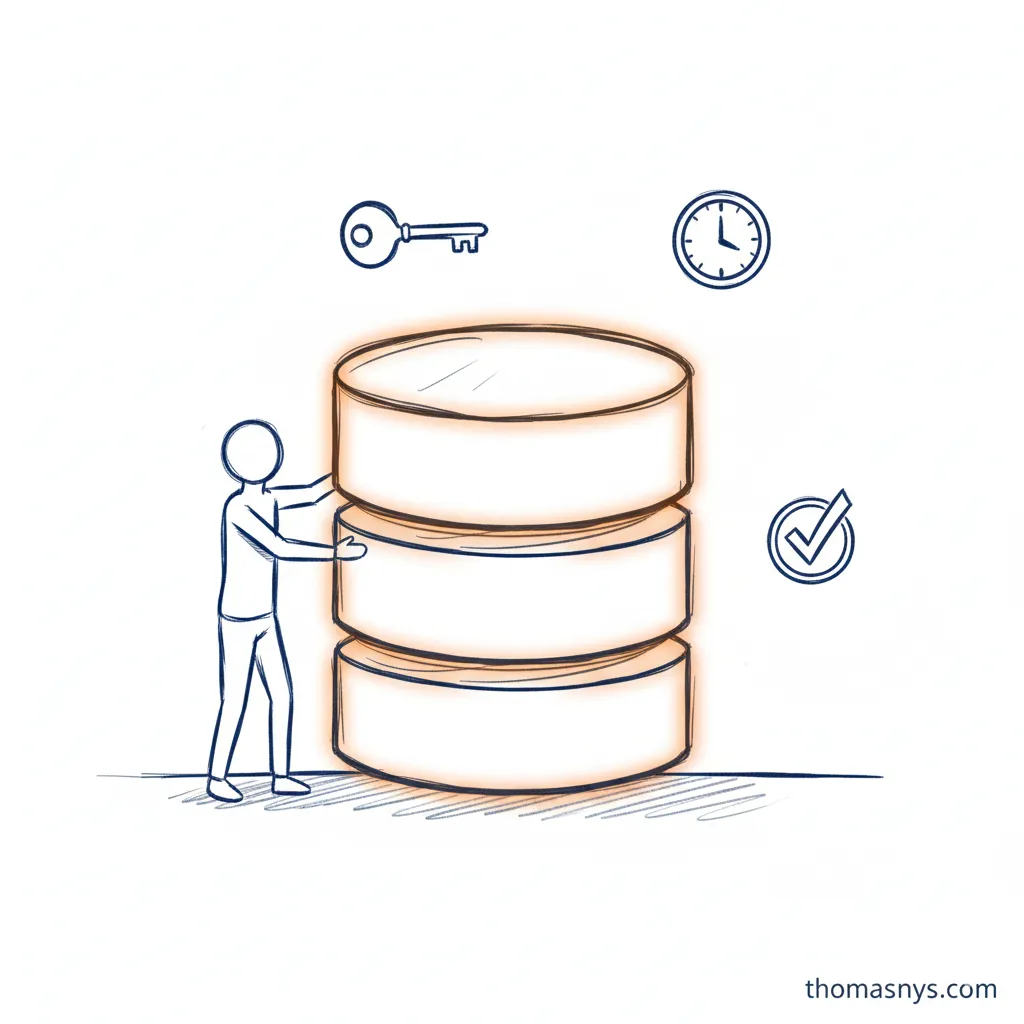
A DBA (Database Administrator) keeps databases running. They handle performance tuning, backups, security, user access, and the daily care that keeps production systems healthy and available.
If data engineers build pipelines that move data, DBAs ensure the databases those pipelines read from and write to actually work. Without DBAs, databases slow down, run out of space, become vulnerable, and eventually crash.
It’s operational work - keeping the lights on - but it’s work that makes everything else possible.
What a DBA Actually Does
Performance Tuning
Making databases fast:
- Query optimization - Analyzing slow queries and rewriting them or adding indexes
- Index management - Creating, monitoring, and maintaining indexes
- Resource allocation - Tuning memory, CPU, and I/O settings
- Execution plan analysis - Understanding how the database processes queries
When an application is slow, the DBA is often the first call.
Backup and Recovery
Protecting data:
- Backup scheduling - Regular automated backups (full, incremental, differential)
- Recovery testing - Verifying backups actually work
- Disaster recovery - Planning and executing recovery from failures
- Point-in-time recovery - Restoring to specific moments before data loss
The test of a DBA isn’t preventing all failures - it’s recovering quickly when they happen.
Security
Keeping data safe:
- User management - Creating accounts, assigning permissions
- Access control - Ensuring users only see what they should
- Encryption - Protecting data at rest and in transit
- Audit logging - Tracking who accessed what and when
- Vulnerability management - Patching and hardening database systems
In regulated industries, security is a significant portion of DBA work.
Availability
Keeping databases running:
- Monitoring - Watching for issues before they cause outages
- High availability setup - Clustering, replication, failover configuration
- Capacity planning - Ensuring resources match growing demand
- Maintenance windows - Scheduling necessary downtime
The goal is often “five nines” - 99.999% uptime.
Upgrades and Migrations
Managing change:
- Version upgrades - Moving to newer database versions
- Schema changes - Coordinating database structure modifications
- Platform migrations - Moving between database systems or to cloud
- Testing - Validating changes before production deployment
DBA Specializations
Production DBA
Focuses on operational databases that run applications:
- High availability and disaster recovery
- Performance under production load
- 24/7 monitoring and on-call responsibility
- Change management and maintenance windows
Production DBAs prioritize stability and uptime.
Development DBA
Supports application development teams:
- Database design and schema review
- Query optimization guidance
- Development environment setup
- Performance testing support
Development DBAs work more closely with engineering teams.
Data Warehouse DBA
Manages analytical databases:
- Large-scale data loading optimization
- Query performance for analytics workloads
- Storage management for historical data
- Integration with BI tools
Warehouse DBAs deal with different workload patterns than production DBAs.
Cloud DBA
Manages databases in cloud environments:
- Cloud-native database services (RDS, Cloud SQL, Azure SQL)
- Cost optimization
- Cloud-specific security and networking
- Migration from on-premises
Cloud DBAs need infrastructure skills beyond traditional database administration.
DBA vs Related Roles
DBA vs Data Engineer
| DBA | Data Engineer |
|---|---|
| Maintains databases | Builds data pipelines |
| Focuses on single database performance | Focuses on data flow between systems |
| Operational responsibility | Development responsibility |
| Uptime and reliability | Data transformation and delivery |
| Deep expertise in one or few platforms | Broader technology stack |
DBAs keep databases healthy. Data engineers move data between them.
DBA vs Database Architect
| DBA | Database Architect |
|---|---|
| Operates databases | Designs databases |
| Day-to-day maintenance | Long-term planning |
| Tactical decisions | Strategic decisions |
| Implements standards | Defines standards |
Database architects design; DBAs implement and maintain.
DBA vs Data Architect
| DBA | Data Architect |
|---|---|
| Database-focused | Organization-wide data focus |
| Technical operations | Strategic design |
| Single system expertise | Cross-system thinking |
| Keeps databases running | Designs how data flows across systems |
Data architects think across the entire organization; DBAs go deep on specific database systems.
The DBA Toolkit
Database Platforms
- Relational: PostgreSQL, MySQL, SQL Server, Oracle, MariaDB
- Cloud-native: Amazon RDS/Aurora, Google Cloud SQL, Azure SQL Database
- NoSQL: MongoDB, Cassandra, Redis (different skill set)
Most DBAs specialize in 1-2 platforms with deep expertise.
Monitoring Tools
- Platform-native: Oracle Enterprise Manager, SQL Server Management Studio
- Third-party: Datadog, New Relic, SolarWinds DPA
- Open source: pgAdmin, Prometheus + Grafana
Backup Tools
- Native: pg_dump, mysqldump, SQL Server Backup
- Enterprise: Veeam, Commvault, Rubrik
- Cloud: AWS Backup, Azure Backup
Automation
- Infrastructure as Code: Terraform, CloudFormation
- Configuration management: Ansible, Puppet
- Scripting: Bash, PowerShell, Python
Modern DBAs automate repetitive tasks.
When You Need a DBA
You probably don’t need a dedicated DBA if:
- You use fully managed database services (RDS, Cloud SQL)
- Database complexity is low
- Development team can handle basic administration
- Uptime requirements aren’t critical
You probably do need a DBA if:
- Running self-managed databases at scale
- Performance is critical and needs optimization
- Regulatory requirements demand database expertise
- Complex replication or clustering setups
- Mission-critical applications require high availability
- Security and compliance audits require database expertise
Fractional or Consulting DBA
Many companies need DBA expertise but not full-time. Options include:
- Part-time DBA arrangements
- Managed database services with DBA support
- Consulting DBAs for specific projects or emergencies
The Changing DBA Role
Cloud Impact
Cloud databases handle much of what traditional DBAs did:
- Automated backups
- Automatic failover
- Managed patching
- Elastic scaling
This shifts DBA work toward:
- Cost optimization
- Cloud architecture decisions
- Security and compliance in cloud contexts
- Performance tuning (still manual)
DevOps Integration
Modern DBAs work more closely with development:
- Database changes in CI/CD pipelines
- Infrastructure as code for database provisioning
- Collaborative performance optimization
- Shift-left on database design review
Data Platform Context
DBAs increasingly work within broader data platforms:
- Operational databases feeding data warehouses
- CDC (Change Data Capture) enabling real-time data movement
- Database as part of the larger data ecosystem
Frequently Asked Questions
What is a DBA?
What is the difference between a DBA and a data engineer?
What is the difference between a DBA and a database architect?
Do I need a DBA if I use cloud databases?
What skills does a DBA need?
Related Reading
- What Is a Database Architect? - The role that designs what DBAs maintain
- Database Architect vs Data Architect - Understanding the difference
- What Is a Data Engineer? - The role that builds data pipelines
- What Is a Data Architect? - Organization-wide data design
- What Is a Data Platform? - The broader system databases fit into