Overview
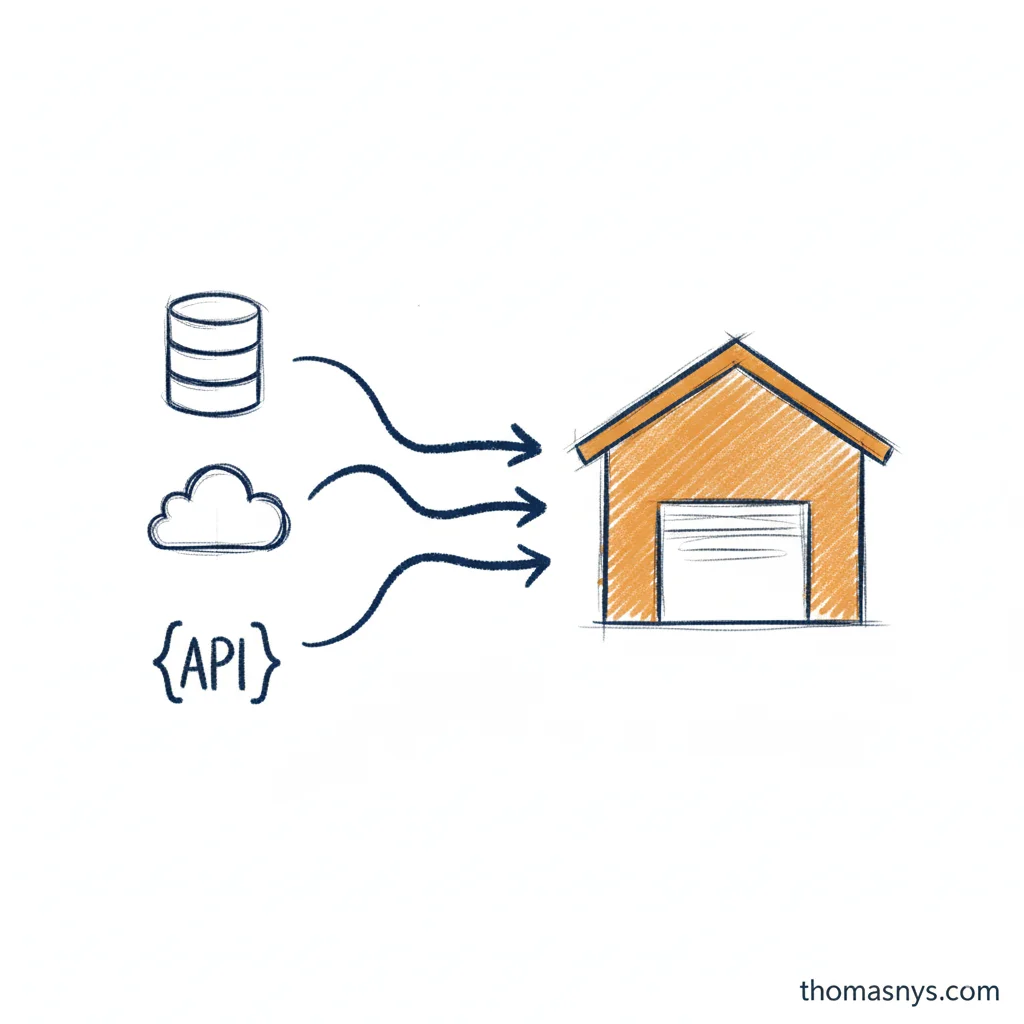
Data integration techniques are the methods used to move data from source systems to destinations where it can be analyzed and used. Choosing the right technique depends on your data volume, latency requirements, and technical constraints.
This guide covers the five main techniques: ETL, ELT, Change Data Capture, API integration, and streaming. Each has specific use cases where it excels.
For foundational concepts, see What Is Data Integration?
ETL (Extract, Transform, Load)
The traditional approach that dominated data integration for decades.
How ETL Works
- Extract - Pull data from source systems (databases, files, APIs)
- Transform - Clean, reshape, and enrich data in a staging area
- Load - Write transformed data to the destination
Source → Extract → Staging → Transform → Load → Warehouse
When to Use ETL
- Complex transformations - Business logic that’s easier to implement outside SQL
- Data quality enforcement - Reject bad records before they reach the warehouse
- Legacy systems - When destination systems can’t handle raw data transformations
- Compliance requirements - When data must be masked or filtered before landing
ETL Limitations
- Slower iteration - Changing transformation logic requires modifying the pipeline
- Debugging difficulty - Raw data isn’t preserved, making issue investigation harder
- Higher latency - Transformation adds processing time before data is available
ETL Tools
- Enterprise: Informatica, Talend, IBM DataStage
- Open source: Apache NiFi, Pentaho
- Cloud: AWS Glue, Azure Data Factory
ELT (Extract, Load, Transform)
The modern standard for analytics workloads.
How ELT Works
- Extract - Pull data from source systems
- Load - Write raw data directly to the destination
- Transform - Process data inside the destination using SQL
Source → Extract → Load → Warehouse → Transform → Analytics
When to Use ELT
- Analytics use cases - Most reporting and dashboarding scenarios
- Cloud warehouses - Snowflake, BigQuery, Databricks make in-warehouse transformation cheap
- Iterative development - When transformation requirements evolve frequently
- Data exploration - When analysts need access to raw data for discovery
ELT Advantages
- Raw data preserved - Can always reprocess if transformation logic changes
- Faster time-to-data - Data lands quickly, transformations can run on schedule
- SQL-based - Transformations in familiar language, version-controlled with dbt
- Scalable - Warehouse compute handles heavy transformations
ELT Tools
- Ingestion: Fivetran, Airbyte, Stitch, Hevo
- Transformation: dbt, Dataform, SQLMesh
- Warehouses: Snowflake, BigQuery, Redshift, Databricks
Change Data Capture (CDC)
Captures changes as they happen rather than extracting full datasets.
How CDC Works
CDC monitors source database transaction logs and captures:
- Inserts - New records added
- Updates - Existing records modified
- Deletes - Records removed
Changes stream to the destination incrementally, keeping it synchronized with the source.
Source DB → Transaction Log → CDC Tool → Destination
When to Use CDC
- Near real-time requirements - Data needed within minutes, not hours
- Large source tables - Full extraction would be too slow or resource-intensive
- Operational analytics - Dashboards reflecting current state
- Event-driven architectures - Triggering downstream processes on data changes
CDC Advantages
- Low latency - Minutes instead of hours
- Reduced source load - Reads logs instead of querying tables
- Complete history - Captures every change, not just current state
- Efficient - Only transfers changed data
CDC Challenges
- Complexity - Requires understanding of database internals
- Schema changes - DDL changes need careful handling
- Initial load - First sync still requires full extraction
- Log retention - Source must retain logs long enough for processing
CDC Tools
- Open source: Debezium (Kafka-based)
- Managed: Fivetran CDC, Airbyte CDC, Hevo CDC
- Cloud: AWS DMS, Azure Data Factory CDC, GCP Datastream
API Integration
Pulls data from web APIs, essential for SaaS application data.
How API Integration Works
- Authentication - OAuth, API keys, or tokens
- Request - Call endpoints with parameters
- Pagination - Handle multi-page responses
- Rate limiting - Respect API throttling
- Transformation - Flatten nested JSON structures
API Endpoint → Auth → Request → Parse Response → Handle Pagination → Load
When to Use API Integration
- SaaS applications - Salesforce, HubSpot, Stripe, Zendesk
- Third-party data - Enrichment services, market data
- No database access - When direct DB connections aren’t available
- Webhooks - Event-driven data from external systems
API Integration Challenges
- Rate limits - APIs restrict request frequency
- API changes - Vendors modify endpoints and schemas
- Pagination - Large datasets require multiple requests
- Authentication complexity - OAuth flows, token refresh
- Nested data - JSON structures need flattening for analytics
API Integration Approaches
| Approach | Pros | Cons |
|---|---|---|
| Managed tools (Fivetran, Airbyte) | Fast setup, maintained connectors | Less control, per-connector costs |
| Custom code | Full control, no per-connector fees | Maintenance burden, error handling |
| iPaaS (Workato, Tray) | Visual building, pre-built connectors | Can get expensive, less flexibility |
API Integration Tools
- Managed: Fivetran, Airbyte, Stitch, Hevo
- Custom: Python + requests, Singer taps
- iPaaS: Workato, Tray.io, Zapier (simple cases)
Streaming Integration
Processes data continuously as it arrives.
How Streaming Works
Data flows through a message broker, processed in real-time:
Source → Producer → Message Broker → Consumer → Destination
         (events)    (Kafka/Kinesis)  (processing)
When to Use Streaming
- Sub-minute latency - Fraud detection, real-time pricing
- Event-driven systems - Microservices communication
- High-volume events - Clickstreams, IoT sensors, logs
- Real-time dashboards - Operational monitoring
When NOT to Use Streaming
Most companies don’t need streaming for analytics:
- Batch is simpler - Less infrastructure, easier debugging
- Batch is cheaper - No always-on processing costs
- Daily data is fine - Most business decisions don’t need real-time
Ask: “What decision requires data fresher than hourly?” If you can’t answer clearly, batch is probably sufficient.
Streaming Challenges
- Complexity - Distributed systems, exactly-once semantics
- Cost - Always-on infrastructure
- Late arrivals - Handling out-of-order events
- Schema evolution - Managing changes in event structures
- Debugging - Harder to troubleshoot than batch
Streaming Tools
- Message brokers: Apache Kafka, AWS Kinesis, Google Pub/Sub, Azure Event Hubs
- Stream processing: Apache Flink, Spark Streaming, Kafka Streams, ksqlDB
- Managed: Confluent Cloud, Amazon MSK, Redpanda
CDC vs ETL: When to Use Which
CDC and ETL solve different problems, but teams often conflate them. Here’s how they relate:
ETL moves data in scheduled batches - extract everything (or everything since last run), transform it, load it. Simple to understand, simple to debug.
CDC captures changes continuously from database transaction logs. It’s faster and lighter on the source, but more complex to operate.
CDC ETL: Using Them Together
In practice, CDC and ETL aren’t mutually exclusive. Many architectures use CDC as the extraction method within an ELT pipeline:
Source DB → CDC (Debezium) → Kafka → Data Lake → dbt (Transform) → Warehouse
This “CDC ETL” hybrid gives you near real-time extraction with batch transformation - the speed benefit of CDC without the complexity of streaming transformations.
When to Replace ETL With CDC
Switch from batch ETL to CDC when:
- Full table scans are too slow or expensive
- Source tables are large but changes are small
- You need data fresher than your batch schedule allows
- Source system teams complain about query load from extractions
Stay with batch ETL when:
- Tables are small enough for full extraction
- Hourly or daily freshness is sufficient
- You don’t have engineering capacity to maintain CDC infrastructure
Comparing Integration Techniques
| Technique | Latency | Complexity | Best For |
|---|---|---|---|
| ETL | Hours | Medium | Complex transformations, compliance |
| ELT | Hours | Low | Analytics, modern data stack |
| CDC | Minutes | High | Near real-time, large tables |
| API | Hours | Medium | SaaS data, third-party sources |
| Streaming | Seconds | High | Real-time requirements, events |
Decision Framework
Start with ELT for most analytics use cases. It’s the simplest, most flexible approach.
Add CDC when:
- Hourly latency isn’t fast enough
- Source tables are too large for full extraction
- You need change history, not just current state
Add Streaming only when:
- Business genuinely requires sub-minute data
- You have engineering capacity to maintain it
- The ROI justifies the complexity
Use API Integration when:
- Data lives in SaaS applications
- No direct database access available
- Prefer managed tools for standard connectors
Hybrid Approaches
Most mature organizations combine techniques:
Common Combinations
ELT + CDC:
- ELT for SaaS sources (Fivetran → warehouse)
- CDC for operational databases needing fresher data
ELT + Streaming:
- ELT for analytical workloads
- Streaming for operational use cases (alerts, real-time features)
API + CDC:
- API integration for SaaS applications
- CDC for internal databases
Architecture Example
SaaS Apps ──→ Fivetran (API) ──┐
                               ├──→ Snowflake ──→ dbt ──→ Analytics
Databases ──→ Debezium (CDC) ──┘

Events ──→ Kafka ──→ Flink ──→ Real-time Features
Getting Started
1. Assess Your Requirements
- What latency do you actually need?
- How large are your source datasets?
- What technical capacity do you have?
2. Start Simple
Begin with managed ELT tools for most sources. Add complexity only when requirements demand it.
3. Build Incrementally
Don’t implement streaming because it seems modern. Implement it when batch latency genuinely blocks business value.
Related Reading
- What Is Data Integration? - Core concepts and patterns
- What Is Data Engineering? - The discipline that implements integration
- What Is Data Architecture? - The blueprint integration supports
- What Is Data Quality? - Ensuring integrated data is trustworthy
- What Is Data Lineage? - Tracking data through integrations